What is IPTV Smarters Pro App? The Ultimate Setup Guide
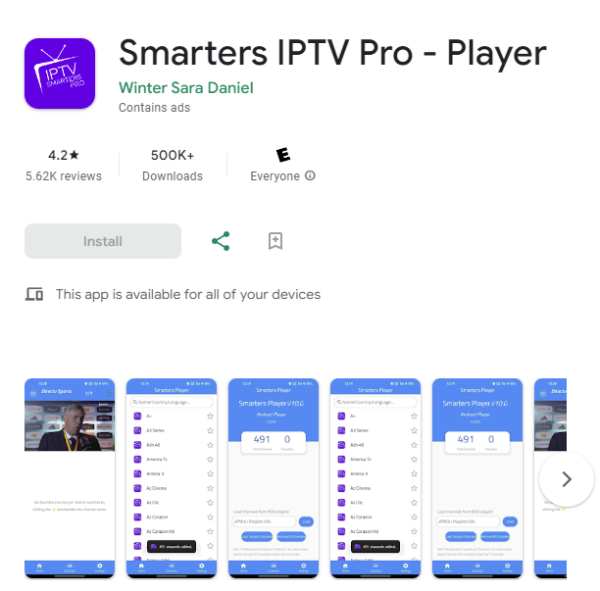
If you have recently decided to cut the cord on expensive traditional cable, you have probably heard of the IPTV Smarters Pro app. It is widely considered one of the best and most user-friendly media players available today. But what exactly is it, and how does it work?
In this guide, we will explain exactly what the application does and provide a full step-by-step tutorial on how to install and set it up to start watching your favorite live TV channels, movies, and sports instantly.
The Catch: IPTV Smarters Needs a Premium Provider
The most important thing to understand about the IPTV Smarters App is that it does not provide any content on its own. It is simply an empty media player. When you download it, there are no channels, no movies, and no sports inside.
To actually unlock the app and watch TV, you need a high-quality IPTV subscription. Once you subscribe to a premium provider, they will give you a username, password, and a URL. You enter those details into the Smarters App, and magically, the app populates with tens of thousands of channels.
Unlock IPTV Smarters Today
Get 25,000+ Live Channels and 150,000+ VODs. Instant delivery after payment.
How to Set Up IPTV Smarters (Step-by-Step)
Once you have your premium subscription details from us, setting up the app takes less than two minutes. Follow these simple steps:
Open the App & Accept Terms
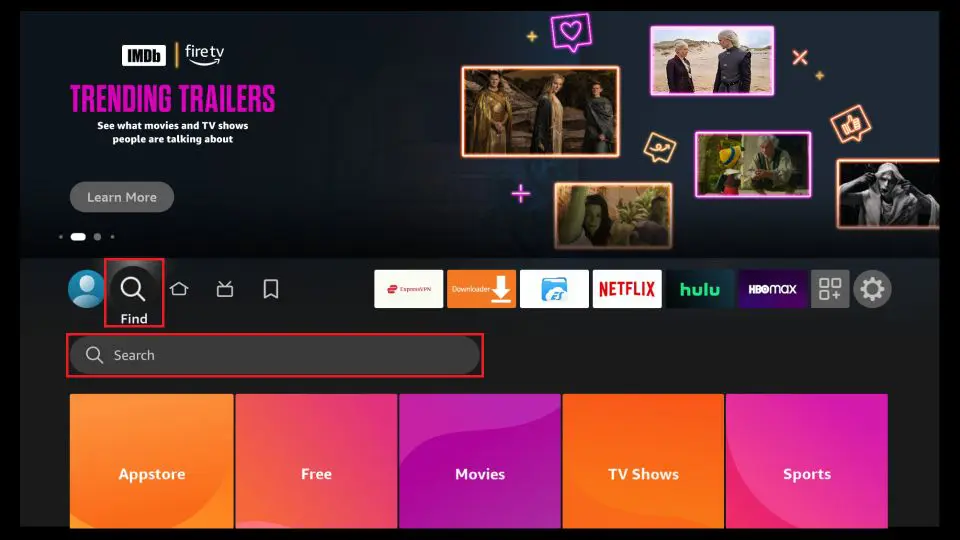
Download IPTV Smarters Pro from your device's official app store (available on Android, iOS, Smart TVs, and Firestick). When you first launch the app, accept the Terms of Use.
Select Your Login Method
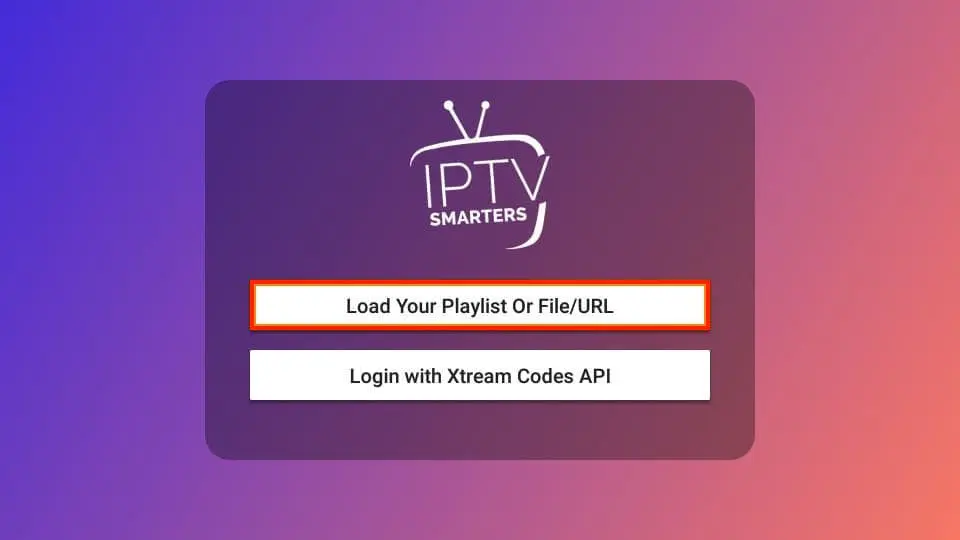
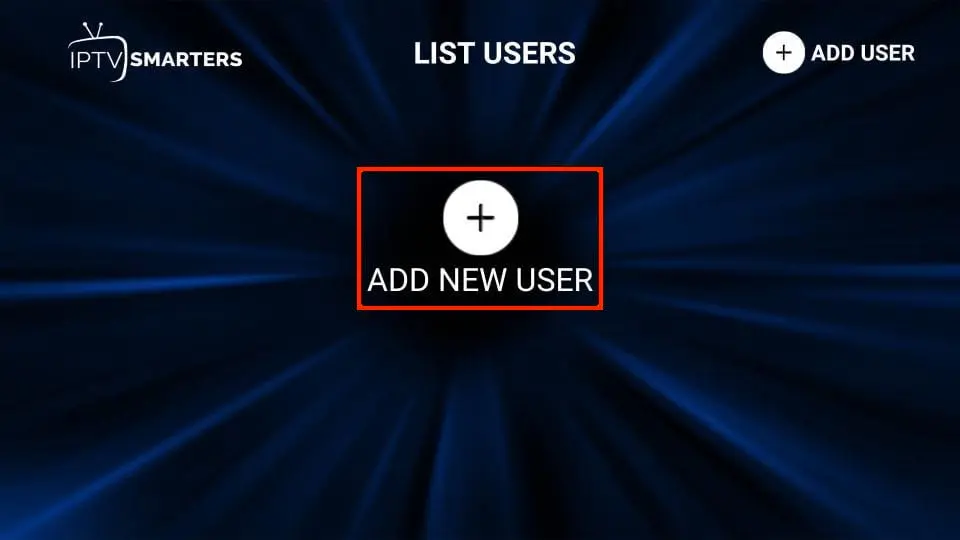
You will be presented with a few different ways to log in. The absolute best and most stable method is to click on "Login with Xtream Codes API".
Enter Your Subscription Details
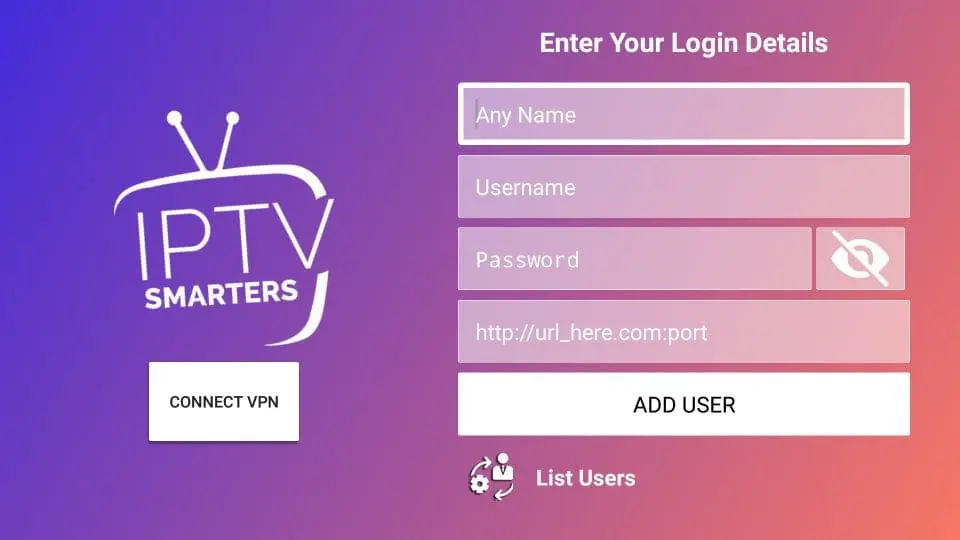
A form will appear. Here is where you enter the credentials we sent you via WhatsApp or Email after you purchased your plan:
- Any Name: Type whatever you want (e.g., "Premium IPTV").
- Username: Enter the username we provided.
- Password: Enter the password we provided.
- URL: Enter the server portal URL we sent you.
Once entered, click "Add User".
The Dashboard
Congratulations! You are now logged in. The app will quickly download the channel lists and VOD data. You will see a beautiful dashboard divided into Live TV, Movies, and Series.
Browse Channels & Categories
Click on "Live TV". You will see all 25,000+ channels neatly organized by country and category (Sports, News, Entertainment). The built-in EPG (Electronic Program Guide) will show you exactly what is playing right now.
Start Streaming!
Click on any channel or movie to start watching in crystal clear 4K / HD quality. Enjoy your premium buffer-free entertainment.
Five settings to change right after you install it
The app works the moment you log in, but its default settings are not the best ones. Five minutes here prevents most of the problems people write to us about afterwards.
1. Hardware decoder
This one setting solves more picture problems than anything else. In the player settings you can switch between hardware and software decoding. If the picture stutters or the audio drifts out of sync, switch to the other mode and reopen the channel. Newer Android boxes are almost always better on hardware; older televisions sometimes handle software better.
2. Default player
IPTV Smarters Pro ships with more than one internal player. The native player is the most stable on Samsung and LG Smart TVs. On Android and Firestick, ExoPlayer handles 4K streams and fast channel changes better. Test both on a sports channel — the difference shows up immediately on fast movement.
3. Automatic EPG updates
The EPG is your TV guide. When it shows "No Information", it almost always means it was never downloaded. Turn on automatic EPG updates in the settings, then force one manual refresh. A full first load takes a minute or two.
4. Favourites
Scrolling through 25,000 channels every evening makes no sense. Hold your finger — or the OK button on the remote — on a channel to add it to favourites. Build a list of ten to fifteen: that is what most households actually watch.
5. Parental lock
If children use the television, lock the adult categories behind a four-digit code in the settings. The lock applies to a whole category rather than channel by channel, so it is quicker to set and you cannot miss one.
Common problems and quick fixes
Four messages account for most of the support requests we receive. Try these before writing to anyone:
- "Invalid credentials": nine times out of ten the server URL was mistyped. Check
httpagainsthttps, and do not drop the port number at the end. An invisible space pasted after the password is enough to fail the login too. - The app closes by itself: clear the app cache (Settings > Apps > IPTV Smarters > Clear Cache). Clear the cache, never the data — clearing data wipes your login details.
- One channel will not open but the rest do: that is the source, not your setup. Send us the exact channel name and we replace it.
- It only freezes in the evening: that is neither the app nor your router — it is server load at peak hours. Our guide to stopping IPTV buffering shows how to confirm it in about a minute.
Frequently Asked Questions
How many devices can I install the app on?
What is the difference between Xtream Codes and an M3U link?
Does it work on Samsung and LG Smart TVs?
Why does the TV guide say "No Information"?
Ready to upgrade your TV experience?
Now that you know exactly how to use the app, it's time to get the content. Check out our premium IPTV subscription plans or return to our homepage to get your instant access codes today. Our 24/7 dedicated support team is always on standby via WhatsApp to help you if you need it!