How to Stop IPTV Buffering: 5 Quick Fixes for Smooth Streaming
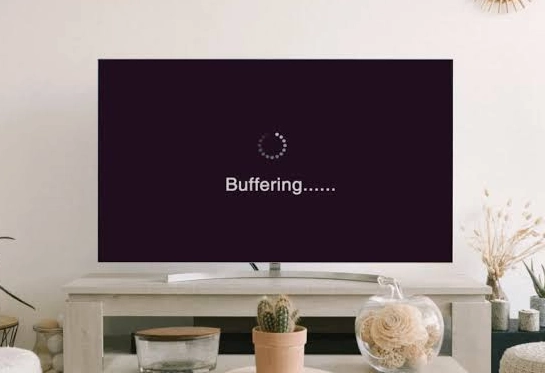
There is nothing more frustrating than sitting down to watch the big game or a highly anticipated movie, only for your screen to freeze right at the best part. Buffering and looping are the most common complaints among cord-cutters today.
The good news is that most buffering has a fixable cause, and four of the five fixes below take under two minutes each. Whether you are new and still learning what an IPTV service is or you have been streaming for years, work through these in order — they are arranged from most likely to least likely.
Restart Your Router and Device
It sounds simple, but it is the most effective first step. Over time, your router's memory gets clogged, and your TV or Firestick processes become overloaded. Unplug your internet router and your streaming device from the wall. Wait a full 60 seconds, then plug them back in. This clears the RAM and establishes a fresh connection to the servers.
Ditch the Wi-Fi for an Ethernet Cable
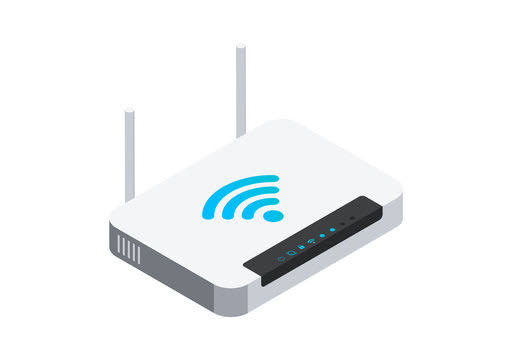
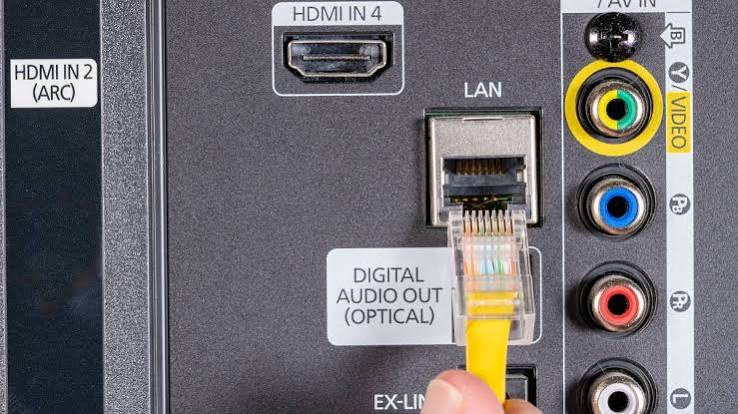
Wi-Fi is convenient, but it is highly unstable. Walls, microwaves, and even your neighbour's network can cause signal interference that disrupts live TV streams. If possible, connect an Ethernet cable directly from your router to your Smart TV or Android Box. A hardwired connection guarantees maximum speed and zero packet loss.
If running a cable is not practical, moving the router into the same room usually gets you most of the benefit.
Tired of troubleshooting?
Skip the guesswork with a geo-matched local server subscription — built so the fixes below never become necessary in the first place.
Clear Your IPTV App Cache
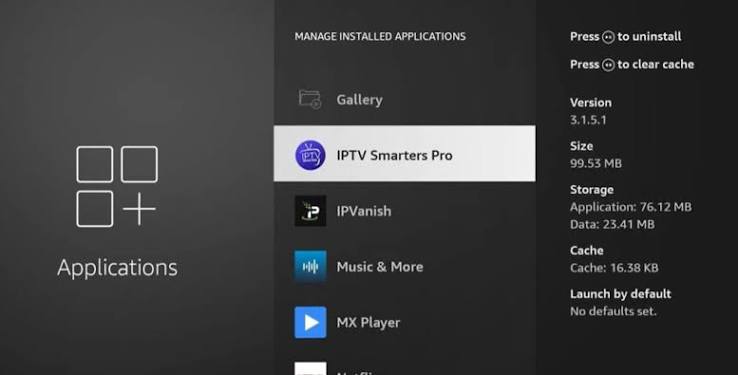
If you use popular apps like IPTV Smarters Pro or TiviMate, they store temporary data (EPG guides, channel logos) in their cache. When this gets too large, the app slows down and video begins to stutter. Go to Settings > Apps > [your IPTV app] > Clear Cache.
Important: clear Cache, not Data. Clearing Data wipes your login credentials and you will have to set the app up again from scratch.
Rule Out ISP Throttling
Some Internet Service Providers slow down heavy video traffic during peak hours. The way to test this is simple: note your streaming quality at 9pm on a weekday, then check the same channel at 10am the next morning. A large difference points to network management on your provider's side rather than a fault in your setup.
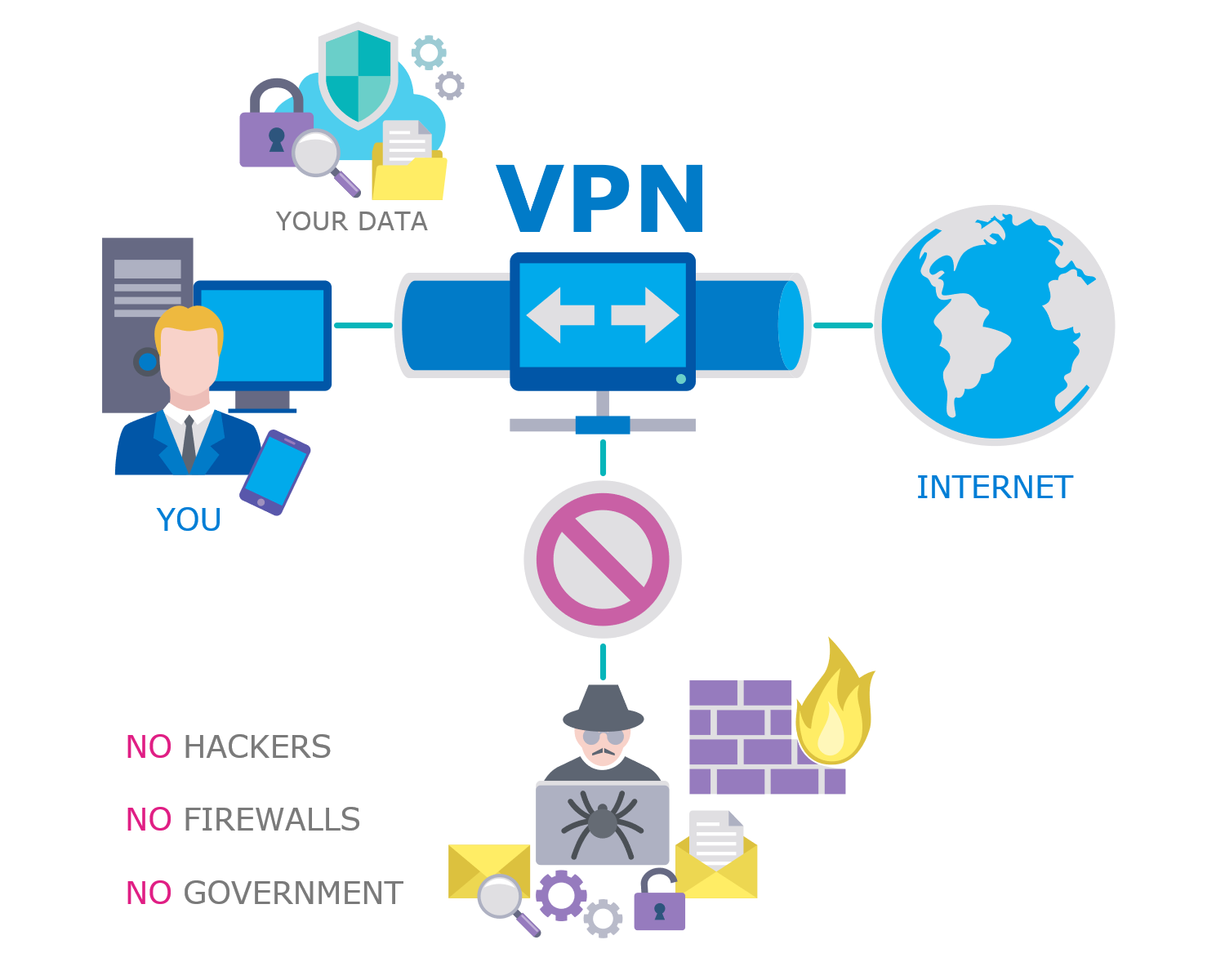
If that is what you find, a reputable VPN can help by keeping video traffic from being singled out. Be realistic about it though — a VPN adds a hop and will not speed up a connection that is already fine. It only helps in this specific scenario.
Check Whether the Problem Is Your Provider
Here is the test that settles it. Run a speed test while the stream is actually stuttering. If your connection is still delivering its normal speed, nothing in your house is at fault.
At that point the cause is upstream. Cheap providers oversell capacity and run streams from single, overloaded servers — which is why everything works fine on a Tuesday afternoon and collapses at kickoff. We break down exactly what happens server-side in our guide on IPTV buffering fix.

And if you are still choosing between providers, the three things that decide whether an IPTV service works explains what to check before you pay — the connection, the provider, and where the server actually sits.
Watching on an Amazon stick? Which Firestick model to buy and how to keep it quick covers the memory, the heat and the Ethernet adapter — the three hardware causes this guide does not.
Frequently Asked Questions
How much internet speed do I actually need for IPTV?
Why does it only buffer during live sports and not on movies?
Will clearing the app cache delete my subscription details?
I tried all five fixes and it still freezes. What now?
Does a VPN make IPTV faster?
When the Fixes Are Not Enough
If you have worked through all five and your connection tests clean, no amount of router restarting will change the outcome — the stream is failing before it reaches you.
That is the problem a localized server subscription is built to solve: a dedicated node in your own region instead of one overcrowded global server shared by everyone.
- Geo-matched local server node
- 25,000+ Live Channels
- 150,000+ Movies & Series
- 4K, UHD, FHD & HD Quality
- Compatible with all devices
- Anti-Freeze™ Technology
- Free Setup & Activation
- 24/7 WhatsApp & Email Support