Millions of Americans are cutting the cord on overpriced cable packages from providers like Comcast, Xfinity, and Spectrum. If you have recently purchased an Amazon Firestick or an Android TV Box to stream your favorite shows and sports, you have probably heard people talking about TiviMate.
TiviMate is widely regarded as the absolute best media player available in the United States today. But for beginners, it can be slightly confusing. You download the app, open it up, and... nothing is there. Why? Because TiviMate is just an empty player. To make it work, you need a premium provider.
Why US Cord-Cutters Love TiviMate
Before we explain how to set it up, you need to understand why no one uses standard cable boxes anymore. TiviMate essentially takes a raw internet stream and transforms it into a premium, professional viewing experience.
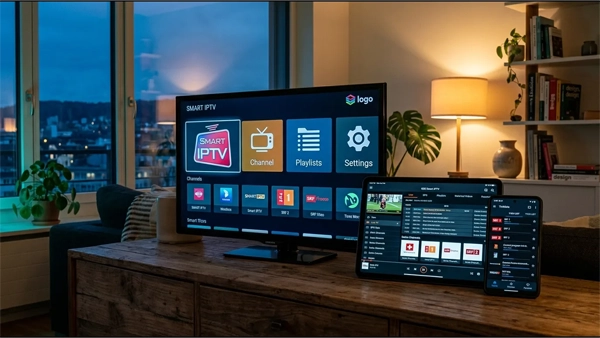
- A Beautiful TV Guide (EPG): It pulls in data to show you exactly what is playing on local US networks, what is coming up next, and provides descriptions of movies.
- Catch-Up TV: If you miss a live NFL broadcast, TiviMate allows you to rewind the live TV channel up to several days in the past so you can watch the replay.
- Multi-Screen Viewing: Want to watch NFL RedZone, College Football, and the NBA at the exact same time? TiviMate's multi-view feature allows you to split your TV screen and watch multiple games simultaneously.
The Catch: Avoiding ISP Throttling in the US
Here is the most important thing you need to know: TiviMate does not provide any TV channels. To watch live TV, you must connect it to a premium IPTV provider.
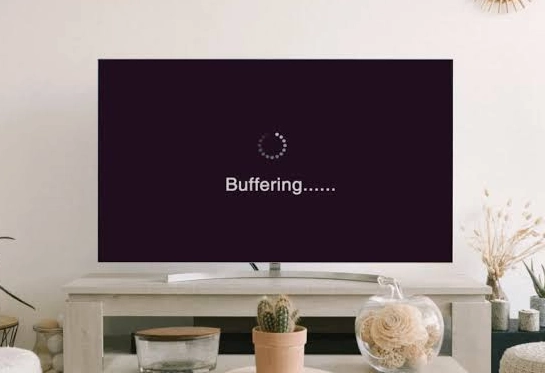
However, if you live in the United States, you cannot just use any cheap overseas provider. Major US internet providers (like AT&T, Spectrum, and Xfinity) actively monitor and throttle unrecognized streaming traffic. To avoid endless buffering, you must use a provider that utilizes domestic US servers. This makes your streaming traffic look like normal web browsing, completely bypassing ISP bottlenecks.
Need Reliable US Channels for TiviMate?
To get the best experience without buffering during Sunday Night Football, connect TiviMate to our premium anti-freeze servers.
View Premium SubscriptionsHow to Setup TiviMate (Step-by-Step)
Once you have secured a premium, US-optimized subscription, setting up the app takes less than five minutes. Follow these simple steps:
1. Get Your Provider Info
Purchase a plan from a reliable provider. You will instantly receive a Username, Password, and a Server URL via email or WhatsApp.
2. Add Playlist in App
Open TiviMate, click "Add Playlist", select "Xtream Codes", and enter your provided details exactly as written.
3. Let it Load & Watch
Allow the app 60 seconds to download your local TV Guide (EPG). You are now ready to stream live TV in flawless 4K.
Conclusion: The Ultimate Pairing
TiviMate is a masterpiece of software, but a car is useless without premium fuel. If you connect TiviMate to a free or cheap public playlist, it will constantly buffer during major sports events. By pairing the world's best player with a secure, anti-freeze IPTV subscription, you create an unbeatable, cost-effective home entertainment setup.